.png)
Using Section Store With Klaviyo (Email Sign-ups)
Yes, Section Store email sign-up sections work with Klaviyo.
You don't connect Klaviyo inside the section.
Instead, our sections collect sign-ups through Shopify's built-in subscriber system, and Klaviyo automatically pulls those subscribers in once its Shopify integration is connected.
How it works
- A shopper enters their email in a Section Store sign-up form (newsletter, footer, popup, or spin-to-win).
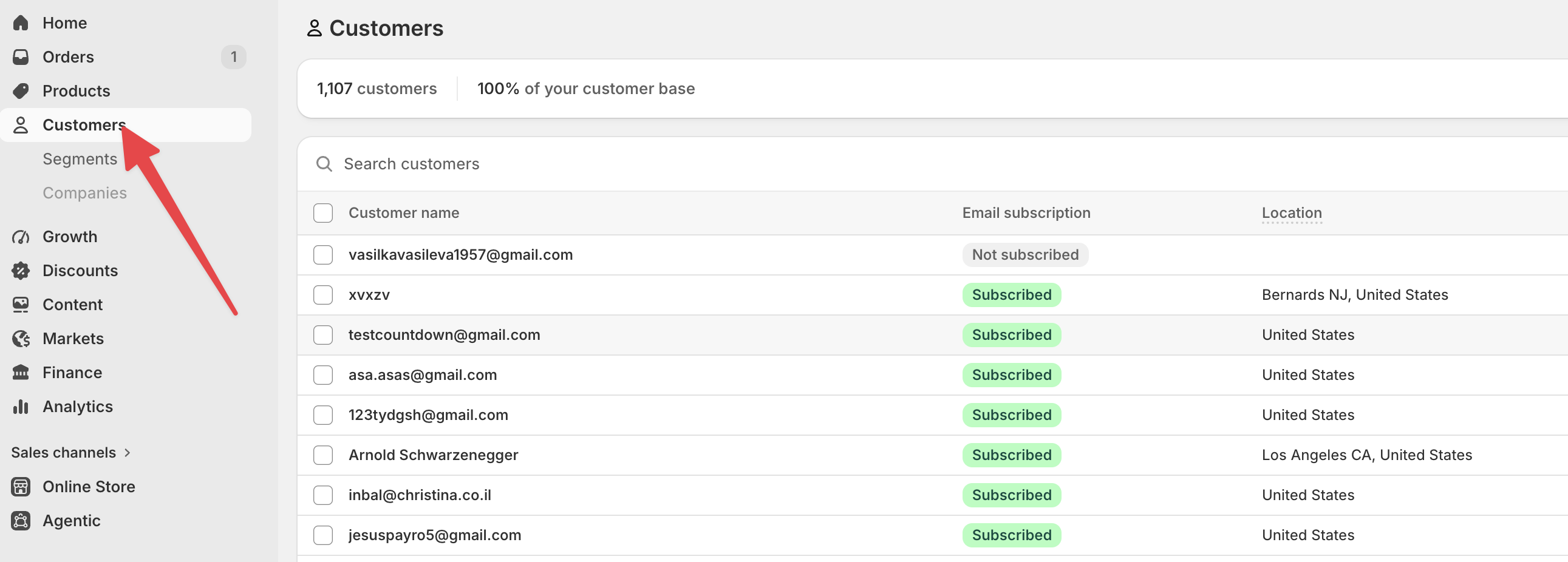
- They become an email subscriber in your Shopify admin (Customers, marked subscribed).
- Klaviyo's Shopify integration syncs Shopify subscribers automatically, so they flow into your Klaviyo list with no extra setup in the section.
So the section's only job is to capture the email. Klaviyo does the rest through its standard Shopify connection.
Which sections capture emails
- Newsletter sections
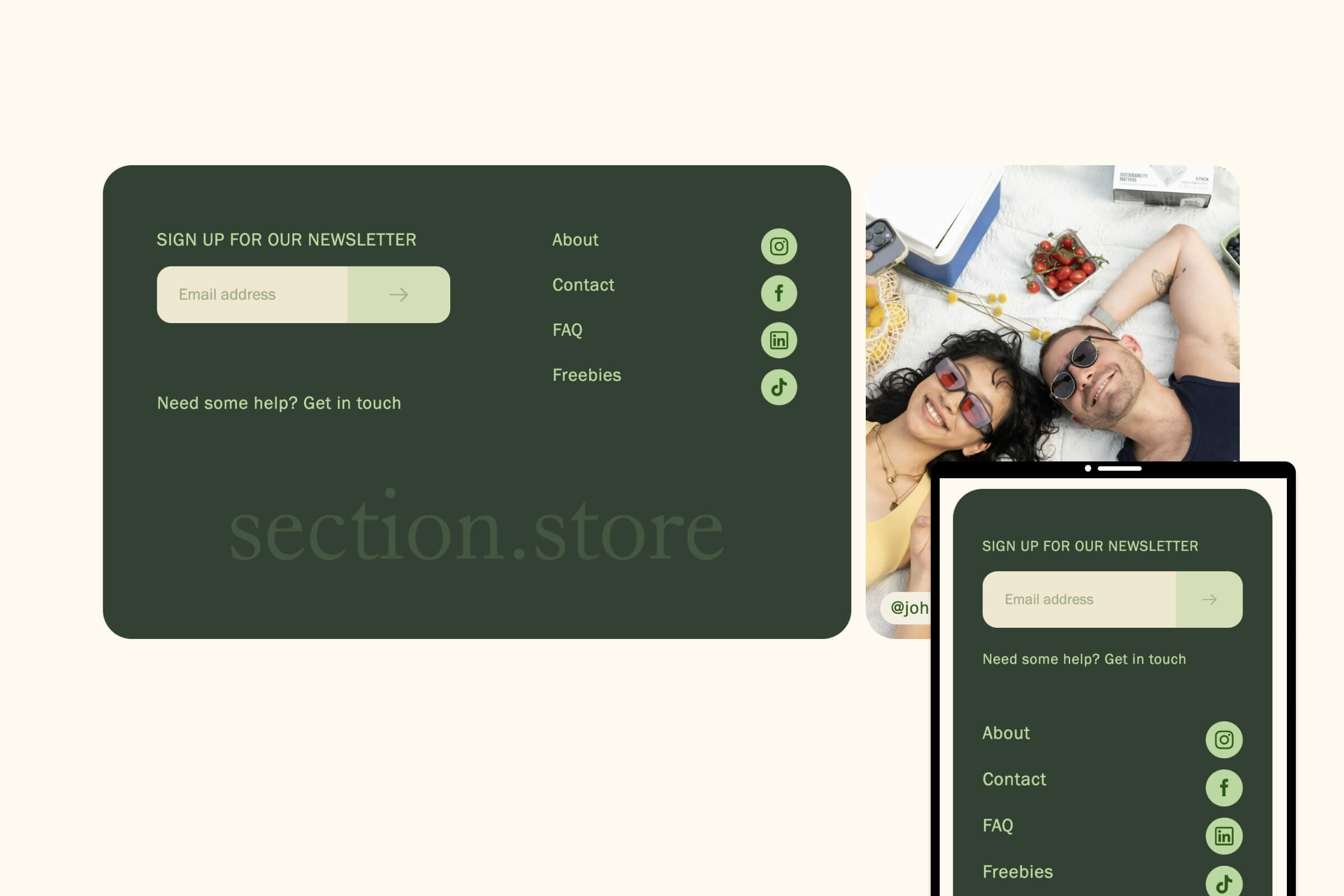
- Footers with a sign-up field
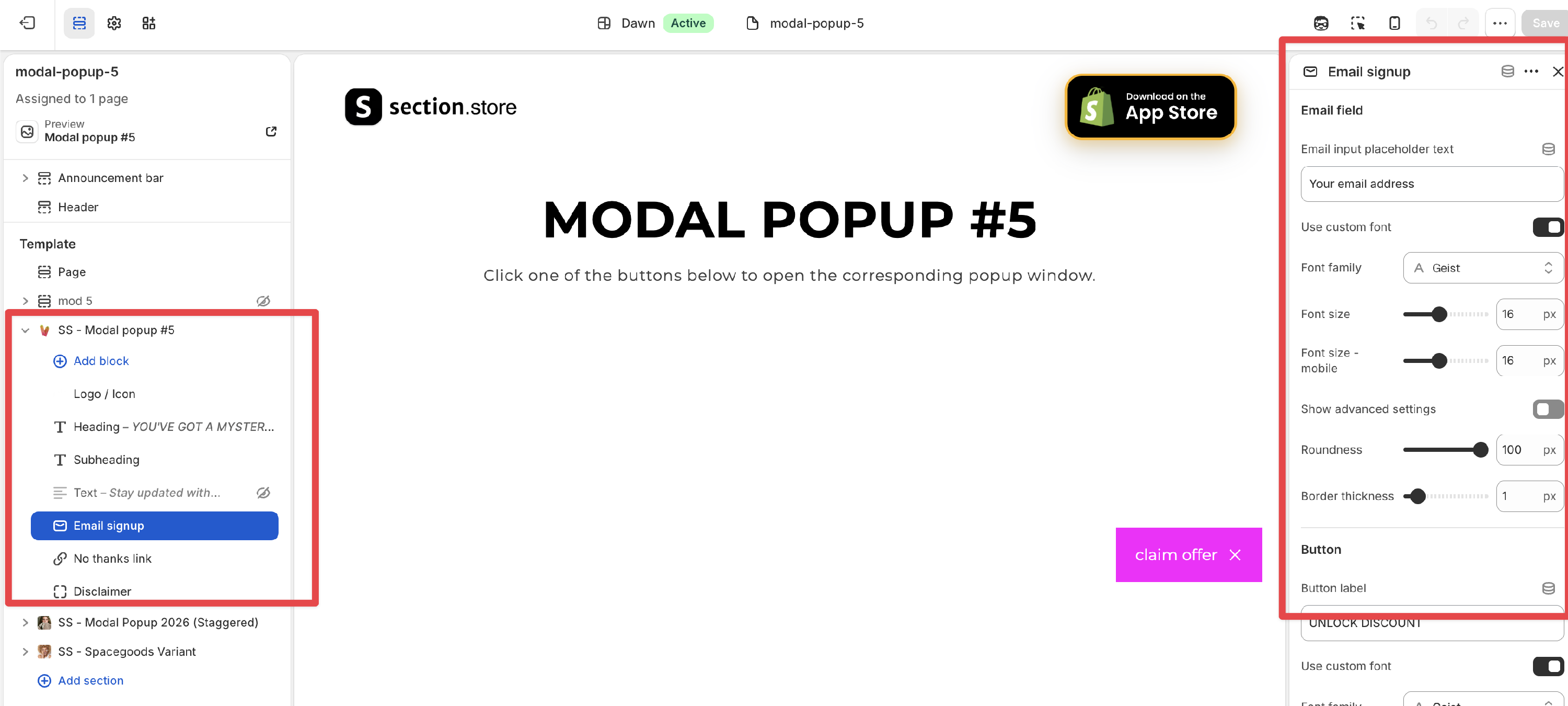
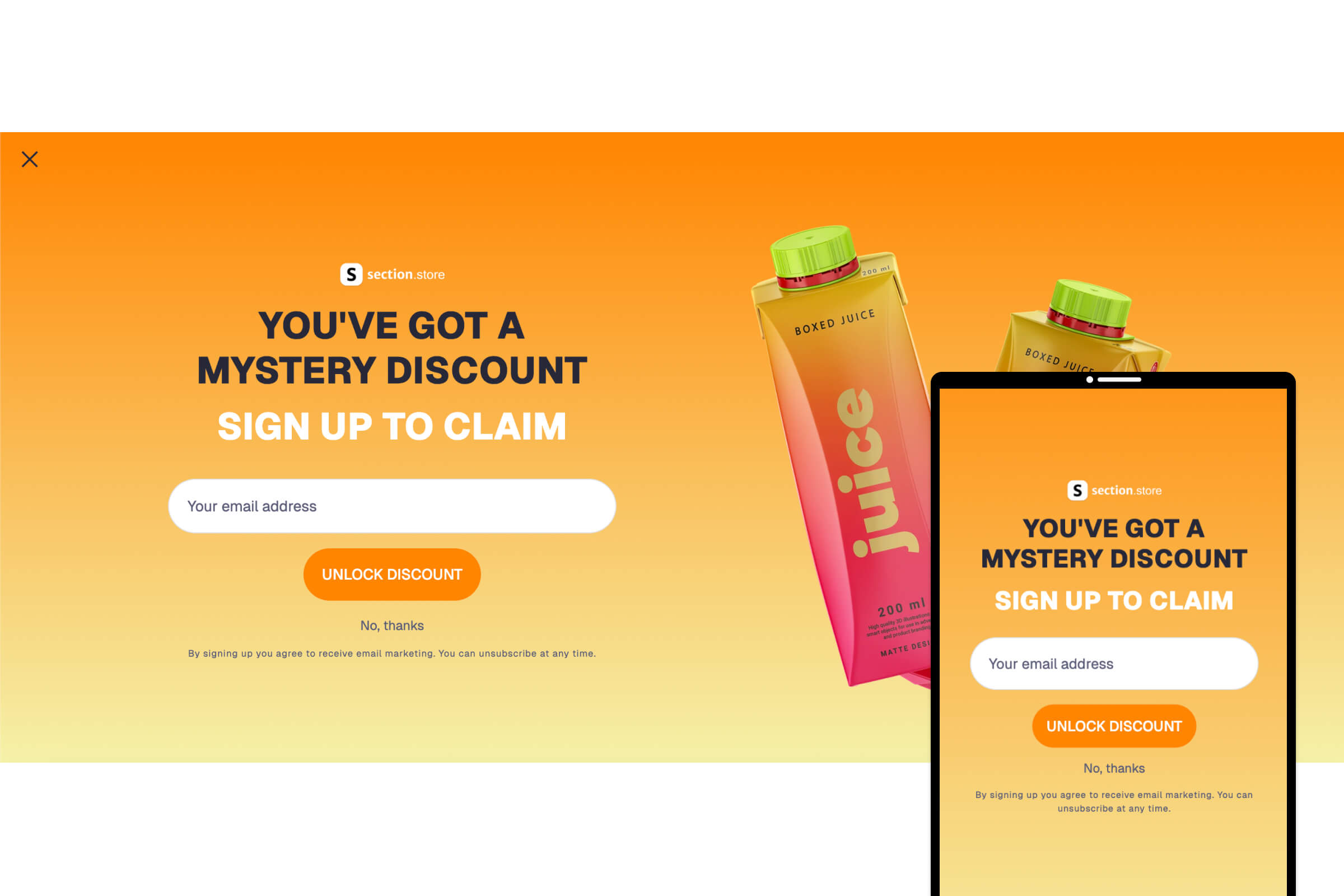
- Popups and modals
- Spin-to-win / discount wheel
- Contact forms (these send to your Shopify email, not a marketing list)
Set it up (one time)
- In Klaviyo, connect the Shopify integration (Klaviyo → Integrations → Shopify) and turn on subscriber sync. Klaviyo's help docs cover this.
- Add any Section Store email section to your store and publish.
- Test it: submit your own email through the form, then check Shopify Customers for the new subscriber. It will appear in Klaviyo on the next sync.
Good to know
- There is no separate Klaviyo block to install and no API key to paste into the section. The Shopify-to-Klaviyo sync is what connects them.
- If you would rather use a Klaviyo-built form, Klaviyo's own embedded form or popup can be placed on your store instead. Our sections are an alternative to that, not a replacement for Klaviyo.
- Contact form submissions go to your Shopify store email, not to a marketing list. See "Shopify Form Limitation" for what Shopify forms can and can't do.
- Want a specific flow (like back-in-stock alerts) tied to Klaviyo? Message us with your use case and we'll point you to the best setup.